
MentionFox Lens: see the red flags on the page you are reading
A free, open-source Chrome extension. One click and it marks which claims can be checked, which are vague, and which deserve a hard second look.
For developers: if you load the release zip into Chrome by hand, cloud scans are refused. Only the on-device Quick private scan works there, and only when your Chrome has its built-in model. Cloud scans need the store install.
Deep scan
The article's main text is read in one pass. Red flags come first, with a one-line reason for each. In our tests on one long article it took about 5 to 9 seconds.
Show on page
Press it on a card and the page scrolls to that sentence and highlights it. Some pages do not allow highlighting, and the panel tells you when that happens.
Quick private scan
When your Chrome has its built-in model, the scan runs on your computer and nothing from the page leaves it. When it does not, the page text goes to our server, and the panel says Cloud.
What it looks like
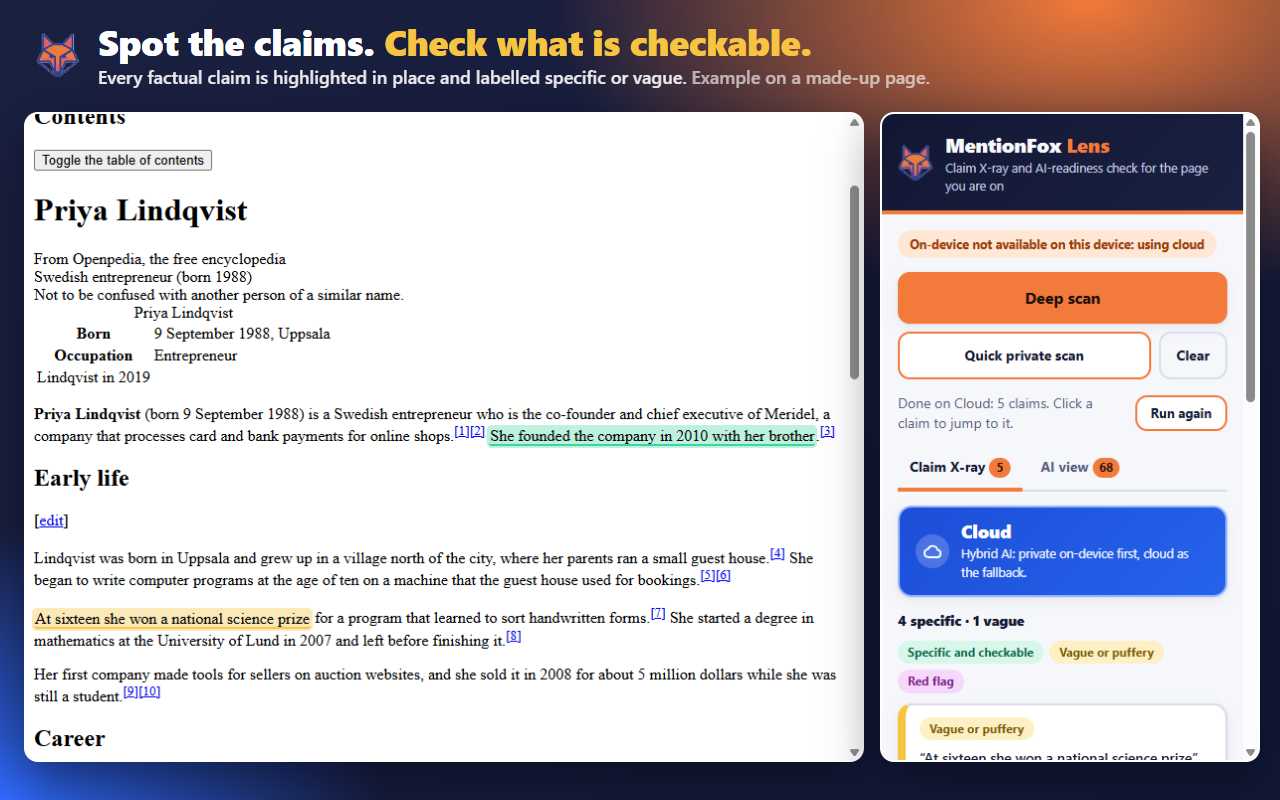
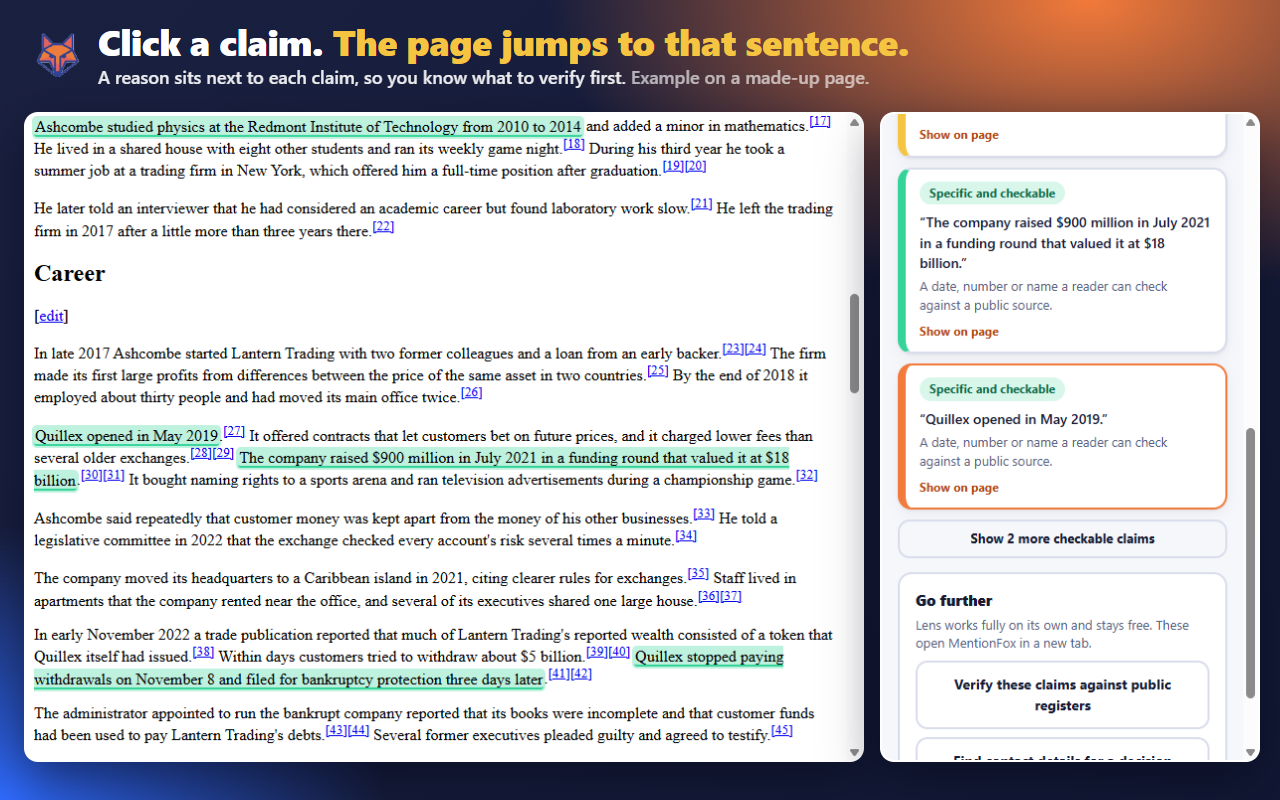
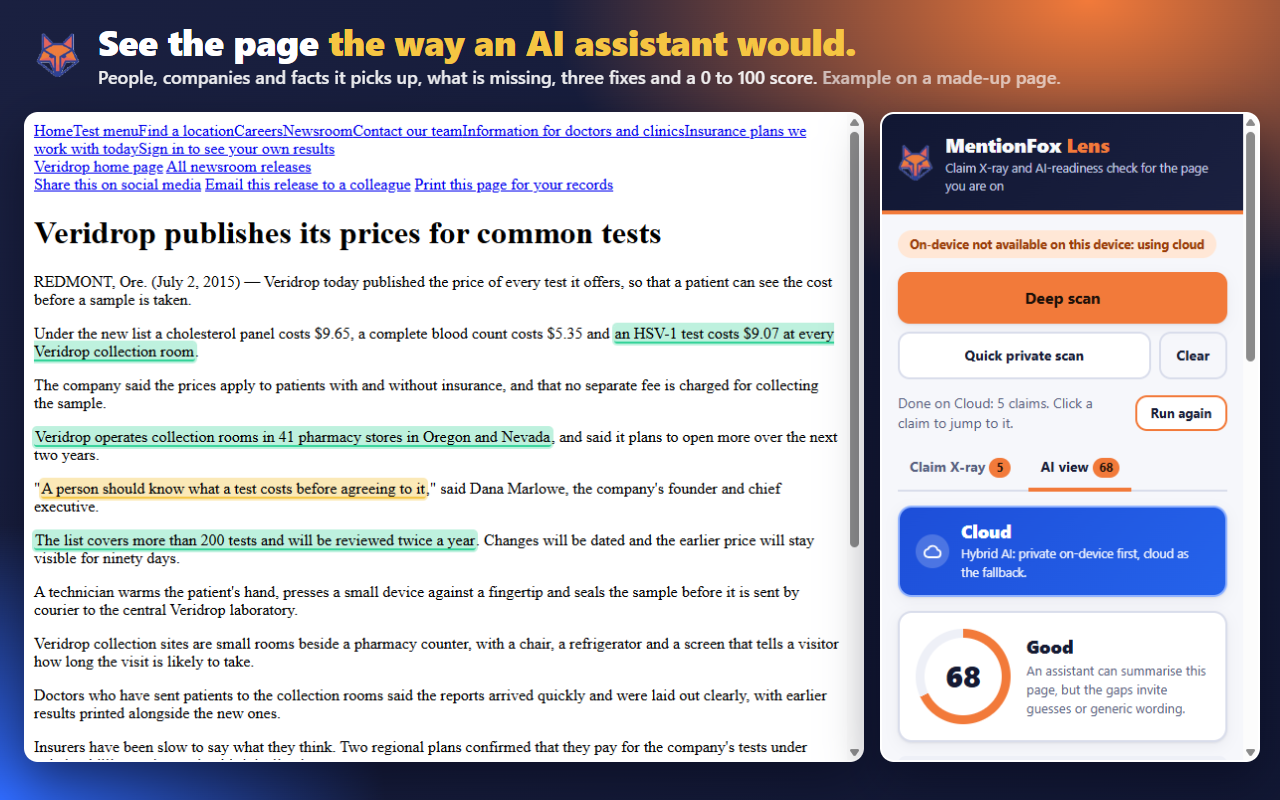
An example: a 2014 magazine story about Theranos
We ran Deep scan on an archived August 2014 copy of Fortune's June 2014 story about the blood-testing company Theranos. In three test runs it marked 7 red flags. Among them:
- the claim that a test needs only 1/100th to 1/1,000th of the usual amount of blood;
- the claim of as many as 70 tests from 25 to 50 microliters;
- trade secrecy given as a reason the method cannot be examined;
- a general answer about using the same fundamental chemical methods.
Lens judges the words on the page as a careful reader on that date would. It does not use what happened later. A red flag means "check this", not "this is false". Counts and wording can differ a little between runs.
Free, open source, no account
The code is public under the MIT license: Lens on GitHub. Cloud scans have a free daily limit. A cloud scan happens only when you click: our server does not store the page text, and an AI provider working for us reads it and may keep it for a short time under its own terms.
Found a red flag about a company or an investor?
See what is on record about it. The instant check is free and needs no account.
Run the free checkVet companies and people often? See MentionFox plans.